
Posts
Sharing church life encouraging fellowship
Posts allow your church congregation to discuss church-related topics anytime, anywhere. Headings, lists, highlights, images, mentions, and links bring information to life and lead directly to other relevant content. Public and subscription-based posts also make your content visible beyond your own congregation.
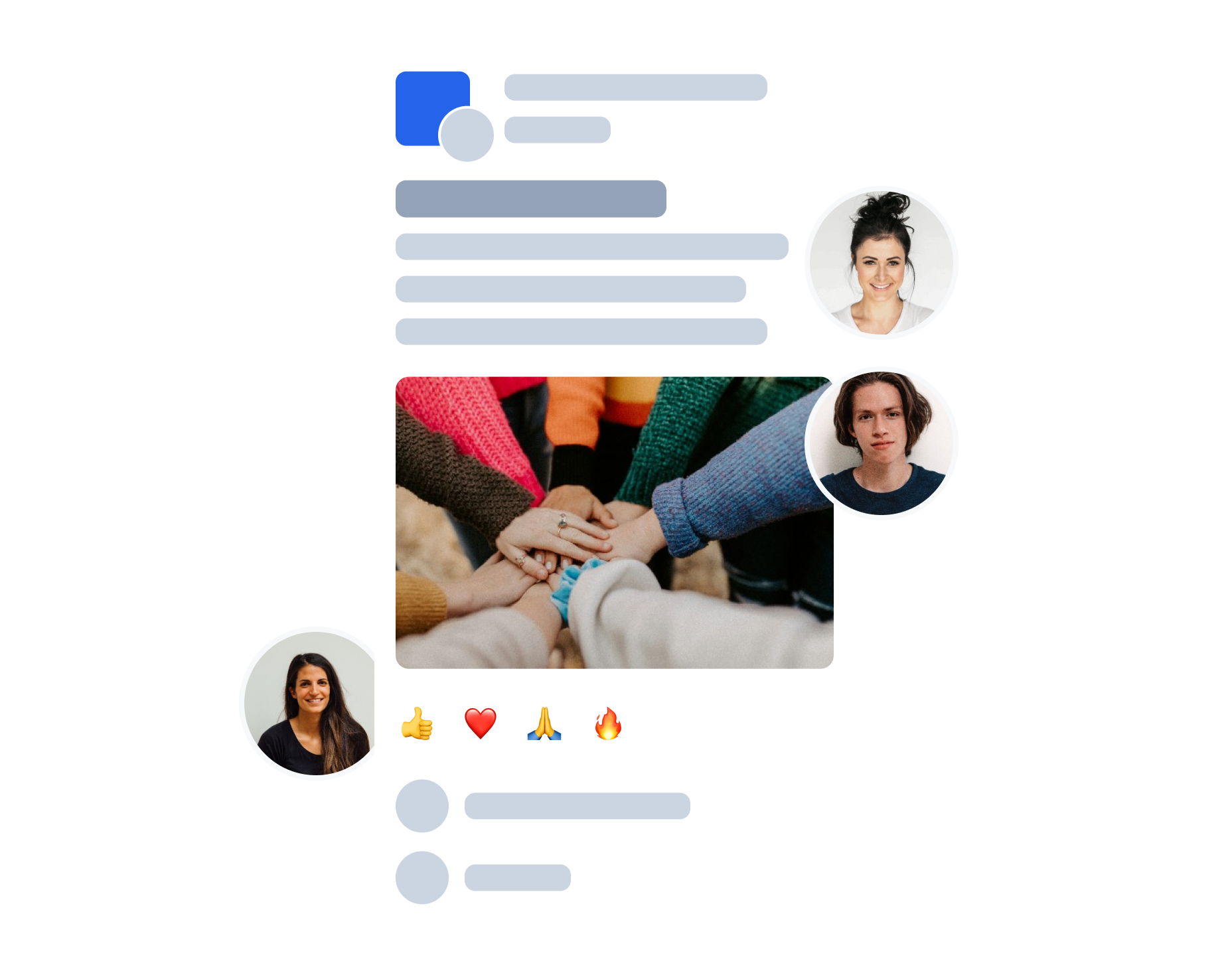
Can be used in many ways
Important announcements, reports, group discussions, event invitations, prayer requests, or petitions – posts bring church life closer to people. They can be shared publicly, seamlessly integrated into the website, and help guests connect more easily through self-registration and the app. Subscribable posts from church associations or Christian organizations provide additional inspiration for everyday life. This makes the “Posts” module a digital showcase, church newsletter, bulletin board, and social network for your church.

More Interactions
Posts bring communication to life: People can read, view, share, react to (👍, ️❤️, 🙏), and—if they wish—comment on content. Mentions and links connect posts directly to people, groups, wiki pages, or songs. This way, with just one click, people can go exactly where they need to go.
Always up to date
Anyone who is allowed to see a group can also see its posts – unless a post is restricted to “group members only”. In this case, membership of the group is required. You can stay up to date by activating notifications: New posts are reported via push notification so that you don’t miss anything. In addition, posts can be sent in the form of email summaries so that even users without a smartphone can conveniently receive the latest content in their inbox.
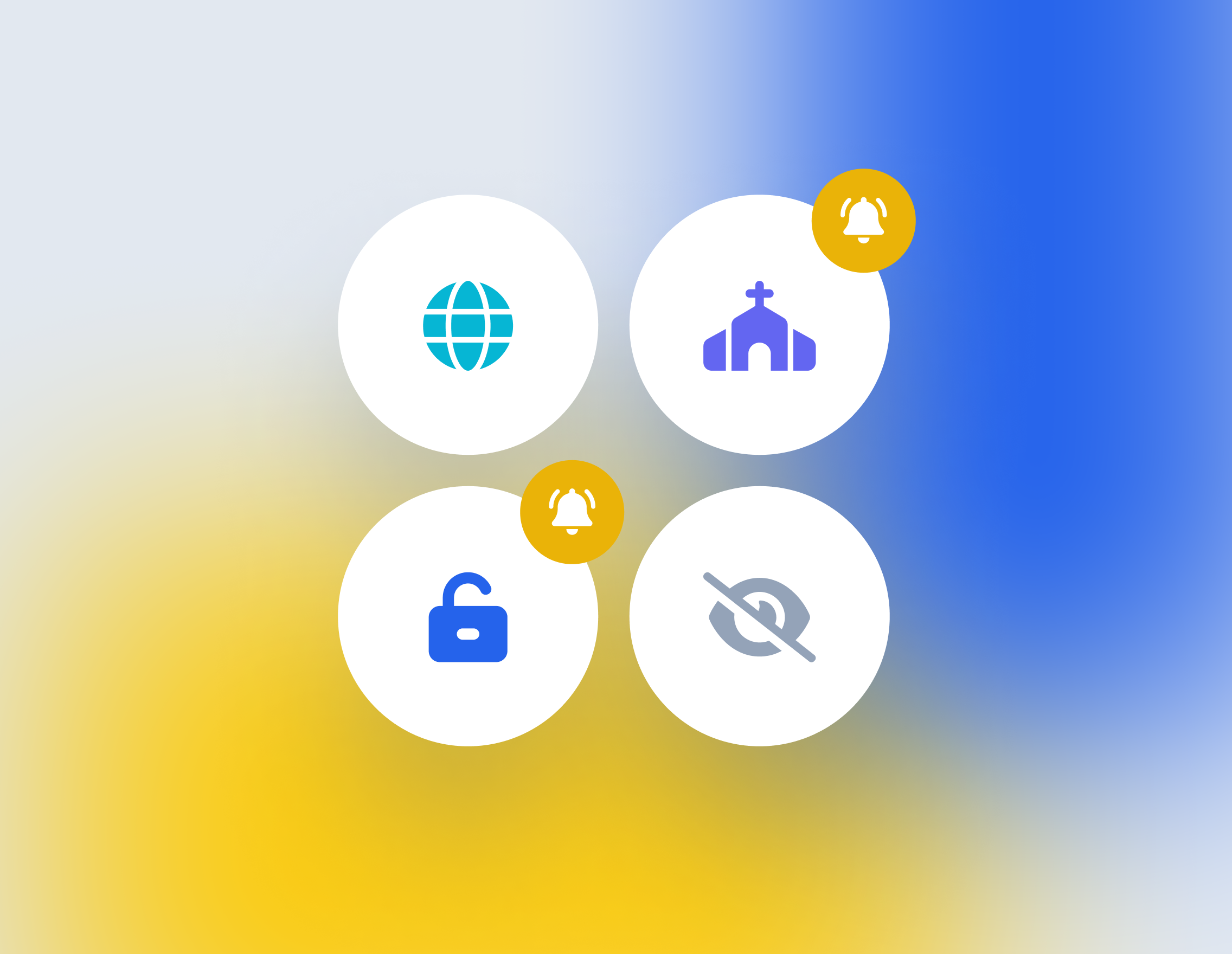

Clearly defined
Of course, the same principles apply to posts as for ChurchTools as a whole: security, data protection and clear assignment of permissions. You decide which group types can publish posts and which roles within these groups are allowed to write posts. Users also have the option of hiding individual posts, posts from a specific group or a specific author, as well as reporting posts if someone goes over the top.
Transparency
An overview of all posts can be found in a separate tab, all posts of a group are displayed in the group view, the most recent posts directly on the start page.
Notifications
Stay up to date thanks to push notifications: 1. for new posts in a group or 2. for new comments on a post. Summaries can be sent by e-mail.
Visibility
Decide for yourself who can see your posts: either everyone who is authorized to view this group, or only active group members.

User-friendly
The seamless integration into the existing ChurchTools groups enables the quick creation of posts and uncomplicated interaction.
Comments
Lead discussions, collect feedback, ask questions, ... - Comments offer many possibilities. At the same time, the function can be deactivated for individual posts.
Configuration
Admins decide which groups are allowed to use posts. They can also mark individual groups as "recommended" in order to direct users to the right places for information or discussion.
Subscribe to Posts
With “Subscribable posts”, you can read posts from other ministries directly in your feed! For example, follow your neighboring church, Christian ministries such as Open Doors or your church association and receive helpful inspiration for everyday life in the ChurchTools app or web application.
Your church can also create subscription-based posts to announce events or news beyond your own congregation. This gives interested parties an easy way to find out about what you have to offer.

Current posts on the start page
Easy to edit and interact
Formatting, Citing, and Linking Content
Comment function can be disabled
Seamless integration into the existing ChurchTools groups
Highlight groups
Simple linking of ChurchTools content
Regulated by the ChurchTools authorization system
Space for 140 characters (title) or 10,000 characters (text)
Up to 8 images per post
Report / moderate posts and comments
Automatic notification via push message or e-mail summary
Plan publication and archiving of articles
Post as church/campus
Subscription to posts from other churches and Christian organizations

Still have questions?
Our support team will be happy to answer your questions – even if you are not yet a customer.
If you would like to introduce the ChurchTools software to your church or need support in the decision-making process, you will find a range of materials here that may help you.
Ready?
Start now for free!
You can test ChurchTools for 30 days completely free of charge, ask unlimited questions to our support team and participate in regular online trainings to get to know ChurchTools better and set it up in your church.
Join over 2500 other churches and parishes already using ChurchTools!


